GymNote
Log workouts in seconds, not minutes.
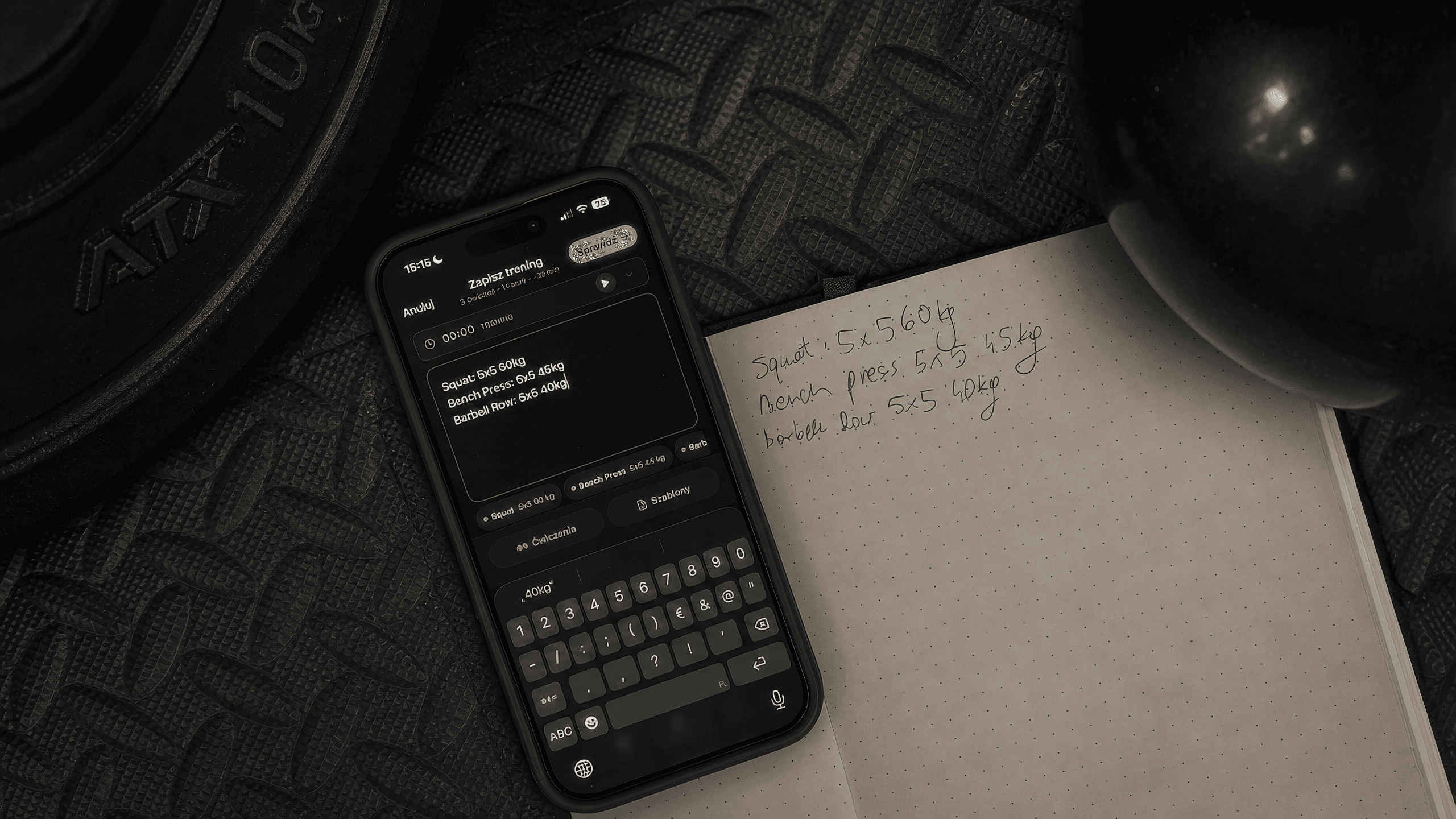
GymNote is a workout notebook. Type a session the way you would on paper and it becomes exercises and sets. No forms. Simple and flexible.
Try it
This box works. Change a number or add a line.
Type an exercise, then sets x reps and a weight.
Same parser as the app. Nothing here is saved.
Want to keep it? Save it in the app.
Get it on the App Store14 days of the full app. No subscription to start.
From a note to a saved workout
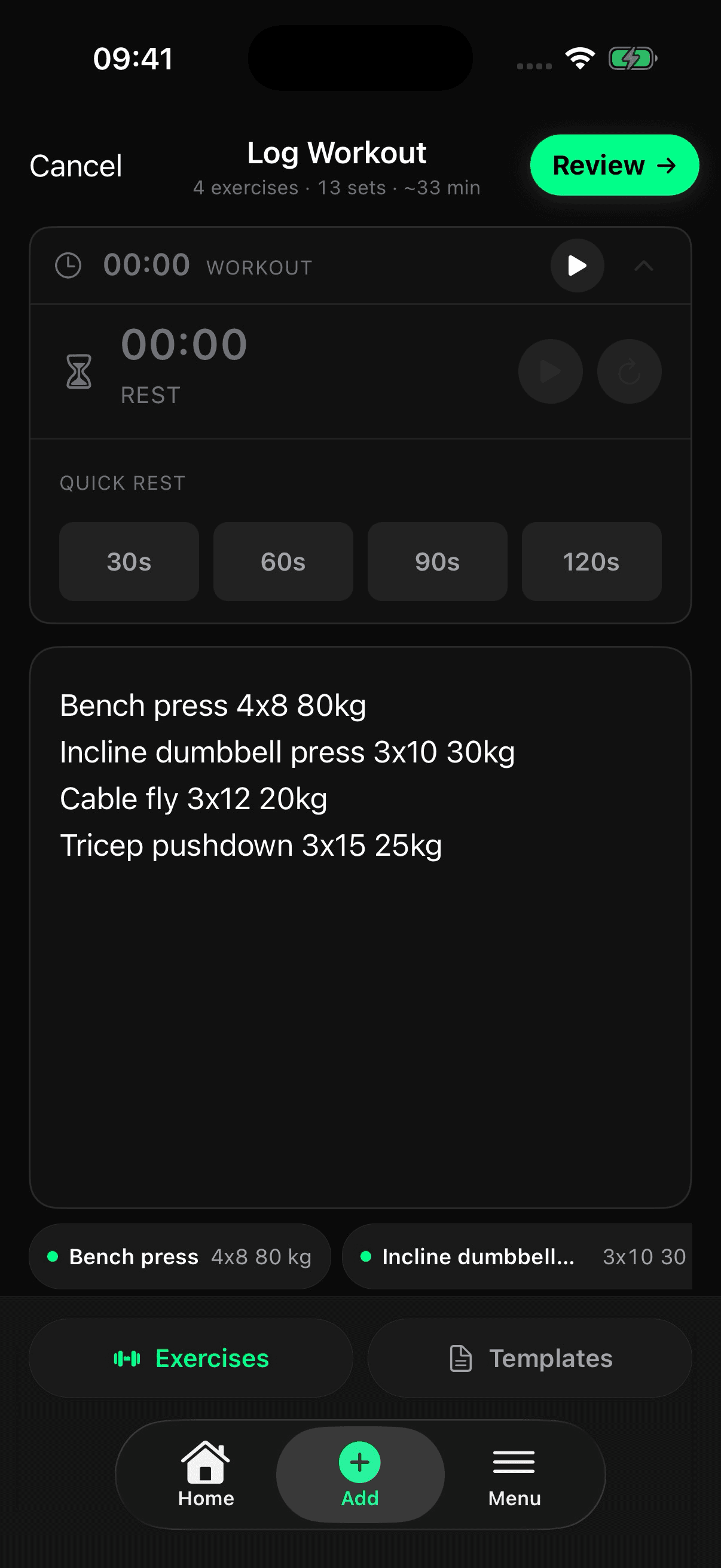
Type it
Write the session in plain text, in English or Polish. The rest timer sits right above the note.
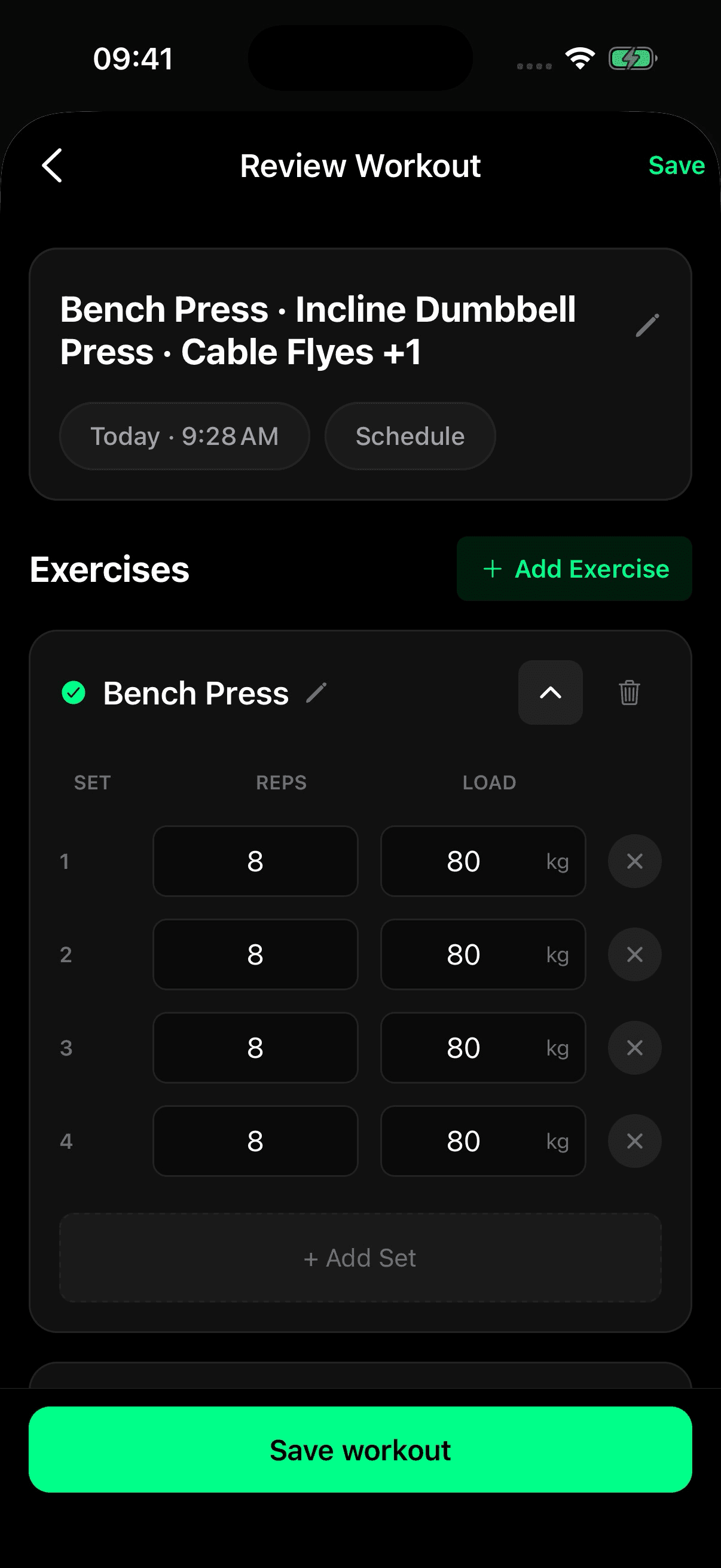
Check it
GymNote lays out every exercise and set. Fix a rep or a weight, then save.
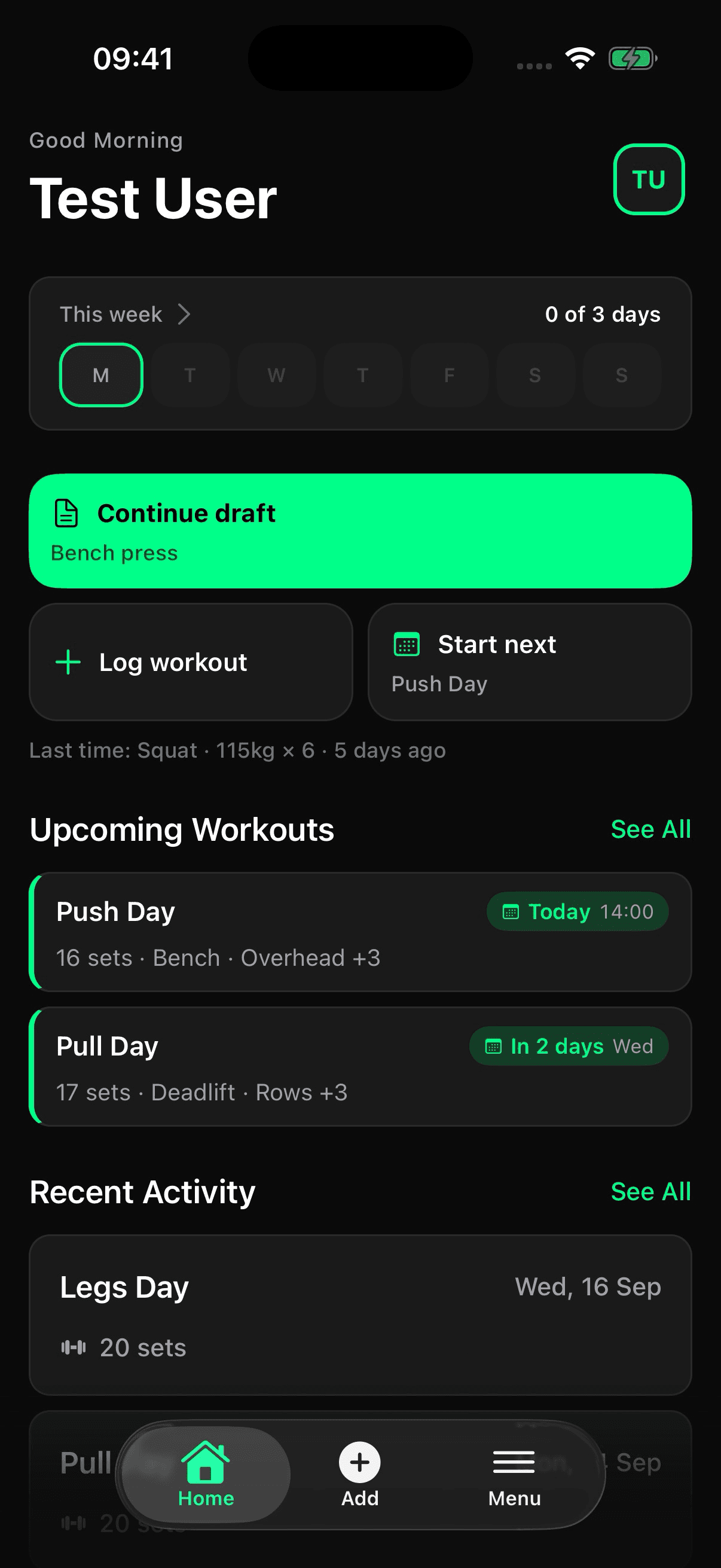
Keep going
Home shows your week against your target, the next planned workout and anything you left unfinished.
14 days of the full app. No subscription to start.
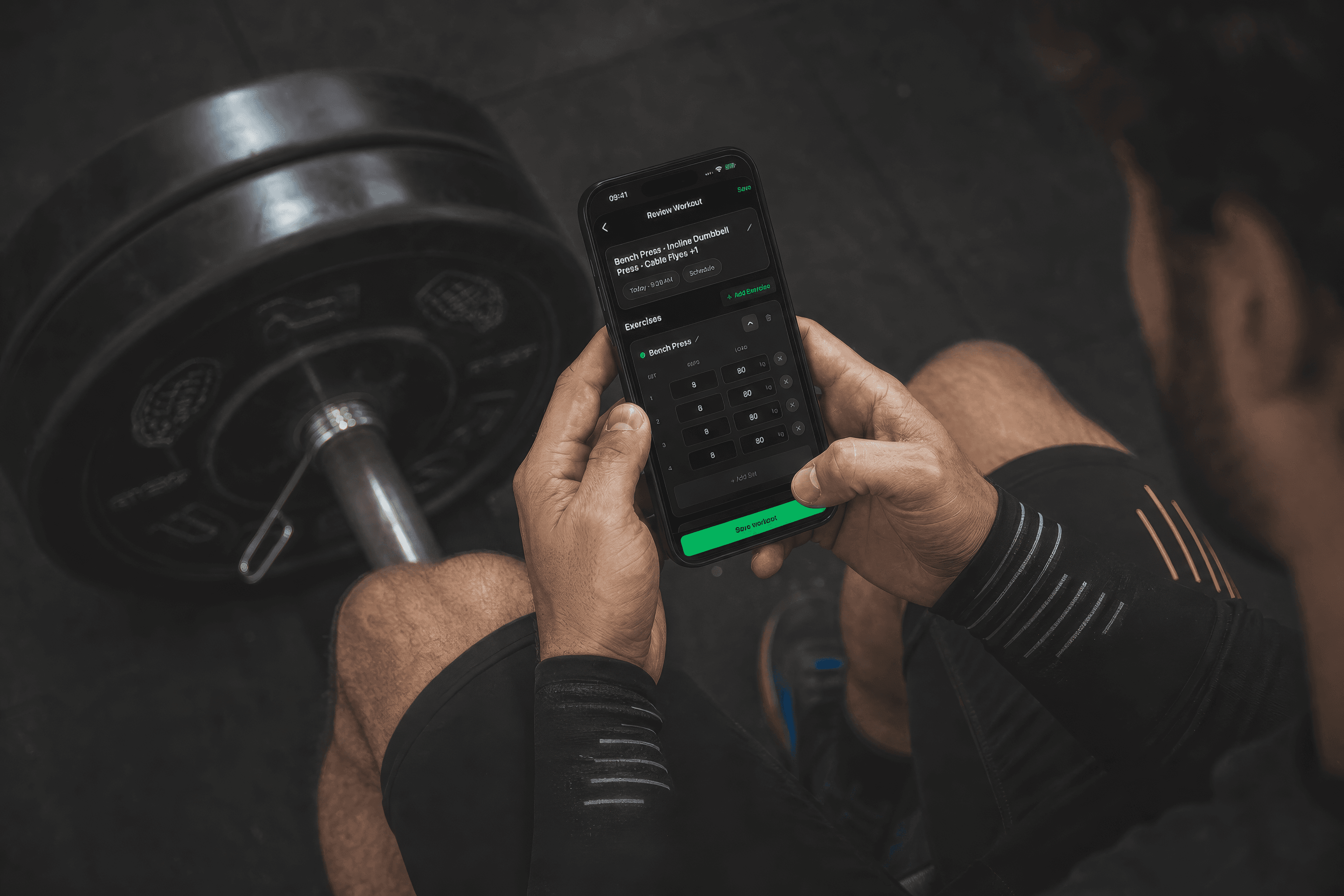
Made for people who already log workouts in the Notes app
If you have years of training sitting in a notes app, you already know how to use GymNote. You write the same lines you always have.
What changes is what happens next. Every set is saved, so you can see what you lifted last time and whether it is going up.
What else is in there
See if a lift is going up
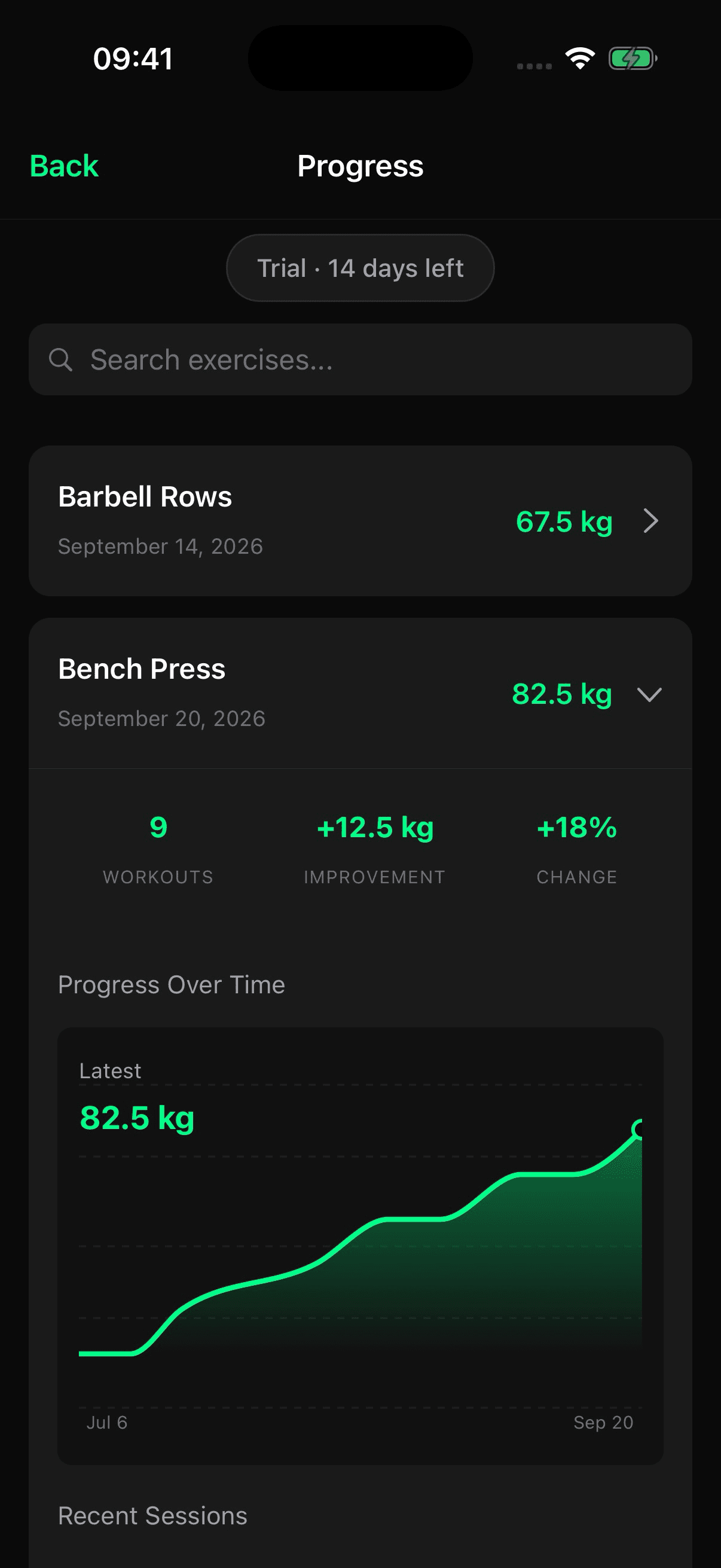
Open any exercise to see its best weight over time, how many workouts it showed up in and how much it changed.
Example data
A weekly target you can keep
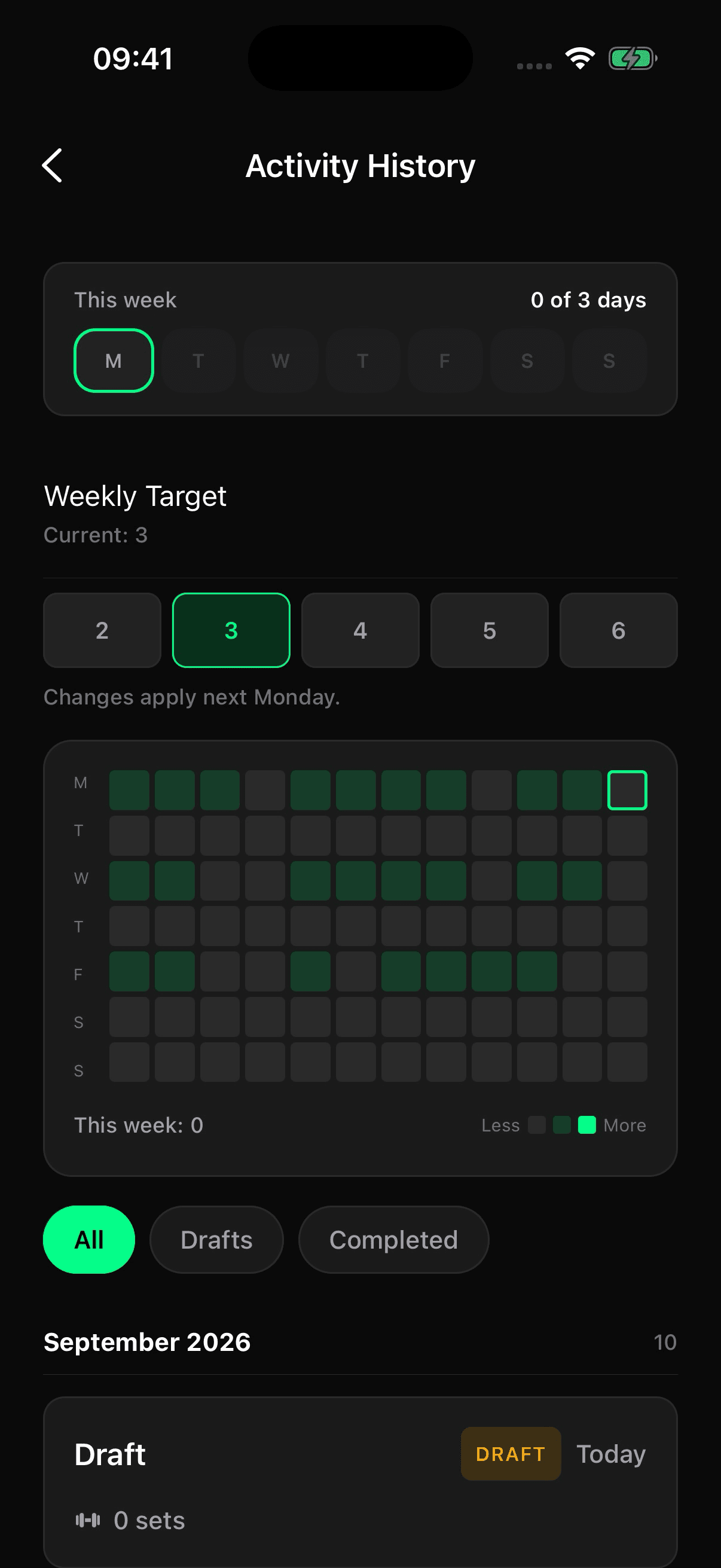
Pick 2 to 6 training days a week. Home shows the current week and the history grid shows the months behind it. A new target starts next Monday.
- Repeat a recent workout
- Start from last Tuesday instead of an empty page.
- Templates
- Built-in starting points for days you do not feel like typing.
- Unfinished notes wait on Home
- Close the app halfway through and pick it up later.
- Rest timer
- 30, 60, 90 or 120 seconds, one tap away while you write.
- Planned workouts
- Schedule a session, then check off sets as you go.
- English and Polish
- Write your notes in either language.
14 days of the full app. No subscription to start.
Free tools for the gym
Calculators and timers that run in your browser. No account needed.

Write your next workout in GymNote.
Free for 14 days on iPhone.